Nov 12, 2025|Jully
Draftbit vs FlutterFlow – A Practical Comparison for No-Code App Builders
When searching for a no-code app builder, two names often appear at the top of comparison results: Draftbit and FlutterFlow. Both platforms promise faster mobile app development without heavy coding, but they are designed for different use cases, technical expectations, and long-term goals. While directories like Peraiz are perfect for discovering and comparing various software options, diving into the specific mechanics is crucial before making a commitment. If you are trying to make an informed decision, this draftbit vs flutterflow – a practical comparison for no-code app builders provides a realistic, experience-based look to help founders, marketers, and product teams choose the right tool.
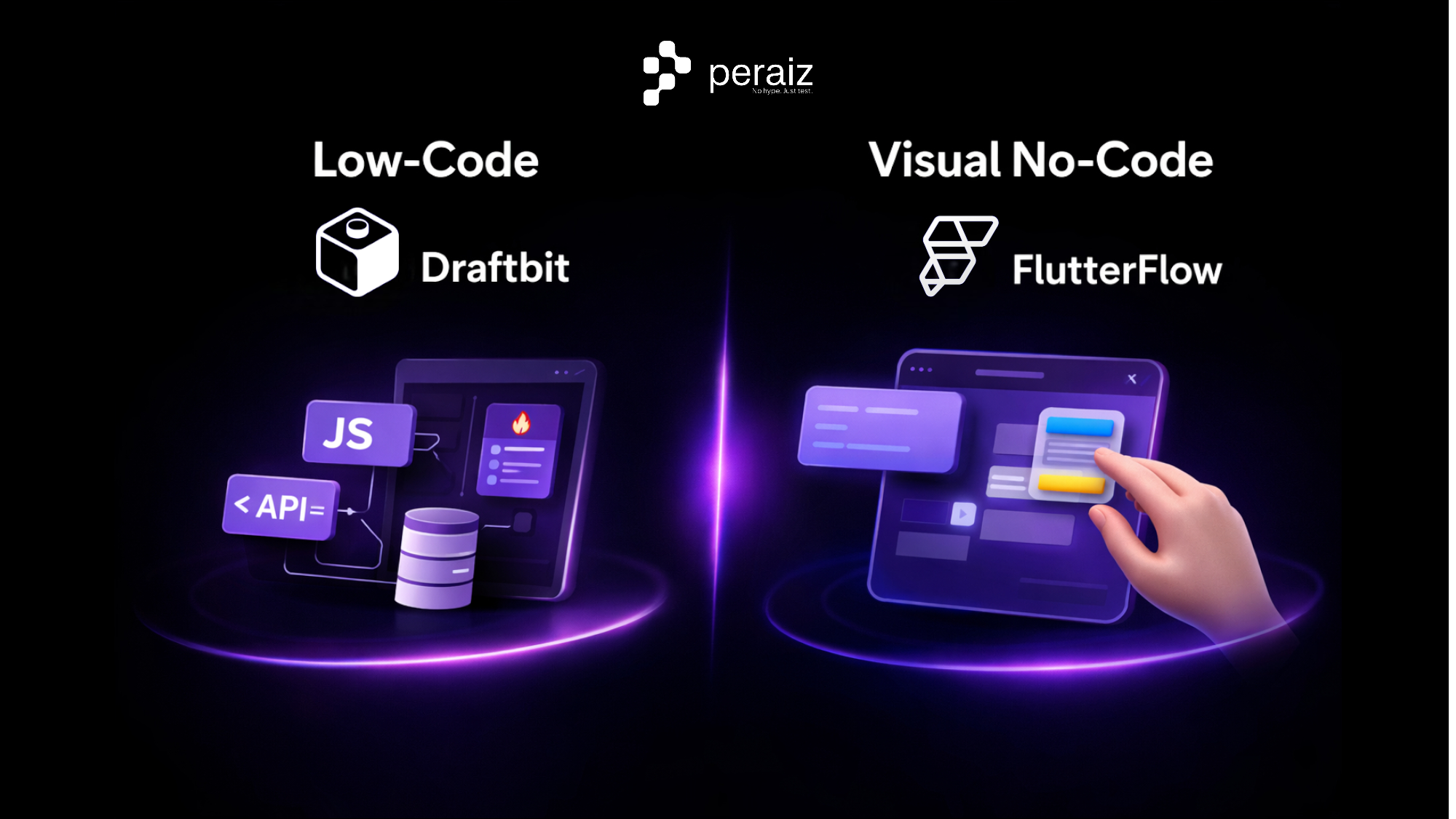
1. Core Approach: Low-Code vs Visual No-Code
Draftbit follows a low-code-first philosophy. While it offers a visual builder, it intentionally exposes app logic, data flow, and API interactions. This makes it suitable for teams that want speed without sacrificing technical clarity.
FlutterFlow leans more toward visual no-code development. Many tasks can be completed through UI interactions alone, making it easier for non-technical users to get started quickly.
Key takeaway: Draftbit prioritizes control and scalability, while FlutterFlow prioritizes accessibility and speed.
2. Technology Stack and Developer Ecosystem
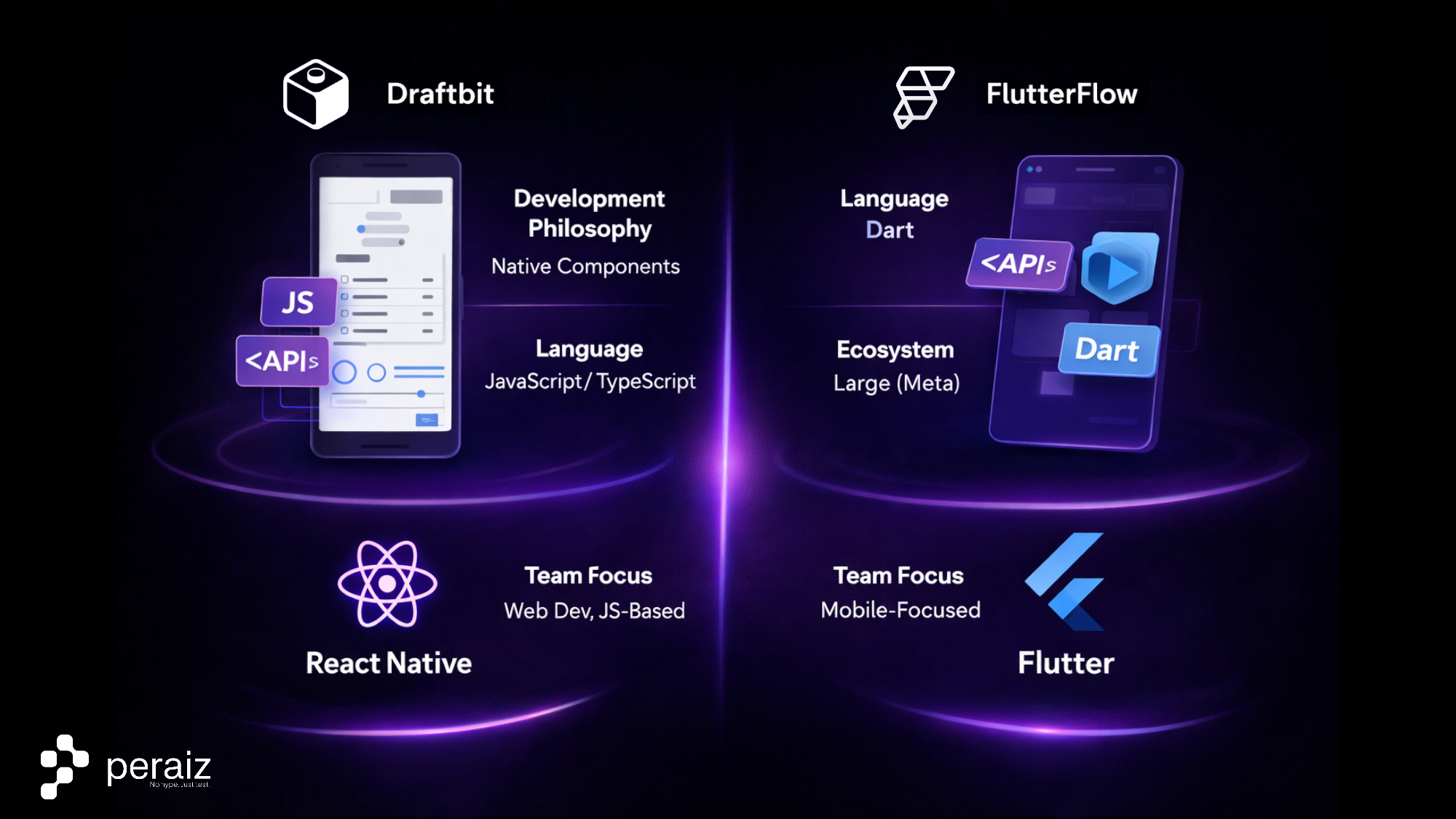
Draftbit is built on React Native, using JavaScript and TypeScript. This aligns well with existing web and mobile development ecosystems, making it easier to hire developers or transition projects beyond the platform.
FlutterFlow is built on Flutter. Flutter provides strong UI performance, but Dart has a smaller developer pool, which can matter for long-term maintenance.
From a practical standpoint, React Native-based apps are often easier to extend when integrating AI Automations, third-party APIs, or custom backend logic.
3. Code Export and Platform Lock-In
One of the most significant differences between Draftbit vs FlutterFlow is code ownership.
Draftbit allows users to export full React Native source code with minimal dependency on the platform itself. This makes it suitable for startups planning to scale, refactor, or hand projects off to external development teams.
FlutterFlow supports code export, but exported projects often require additional cleanup and still reflect FlutterFlow’s internal structure.
For teams concerned about vendor lock-in, Draftbit offers a more flexible path.
4. Backend, APIs, and Automation Capabilities
Both platforms support REST APIs and Firebase, but Draftbit is generally more flexible when working with custom backends, Supabase, or complex workflows.
This flexibility becomes important when building apps that rely on AI Automations, such as:
-
Automated onboarding flows
-
AI-powered recommendations
-
Dynamic content personalization
FlutterFlow can handle similar scenarios, but advanced logic often requires additional workarounds or external tools.
5. Onboarding Flows and In-App Entry Screens
Although Draftbit and FlutterFlow are not designed for traditional web landing pages, both platforms are commonly used to build onboarding flows, app entry screens, and in-app user journeys.
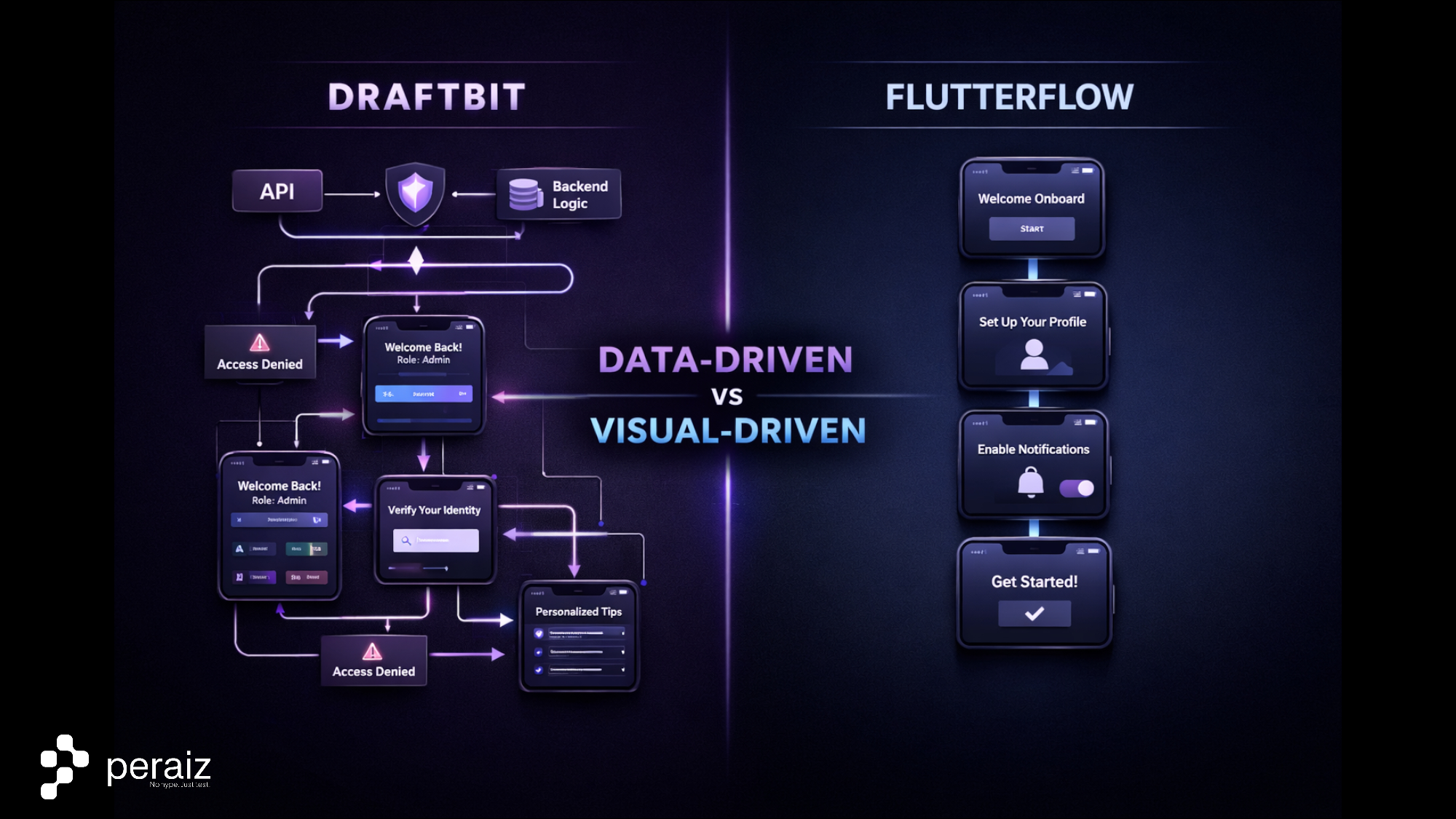
Draftbit provides stronger control over logic-driven screens, where content, layout behavior, and navigation can change dynamically based on API data, user authentication state, or backend conditions. This approach is particularly useful for apps that require personalized onboarding, role-based access, or data-dependent entry flows.
FlutterFlow focuses more on visually structured screens that are quick to design and easy to iterate. It works well for static or semi-dynamic onboarding experiences where the primary goal is to guide users through predefined steps with minimal conditional logic.
In practice, Draftbit is better suited for teams that need flexible, data-driven onboarding flows, while FlutterFlow is more effective for straightforward user journeys that prioritize visual speed and simplicity.
6. Ecommerce and AI Chatbot Integrations
For ecommerce-related mobile apps, Draftbit’s API-centric approach makes it easier to integrate:
-
Custom product catalogs
-
Order management systems
-
An AI Chatbot Platform for Ecommerce for customer support or product discovery
FlutterFlow supports ecommerce use cases as well, but complex chatbot logic and automation typically require more external configuration.
Draftbit is often preferred when ecommerce apps need deeper automation and backend control.
7. Ease of Use and Learning Curve
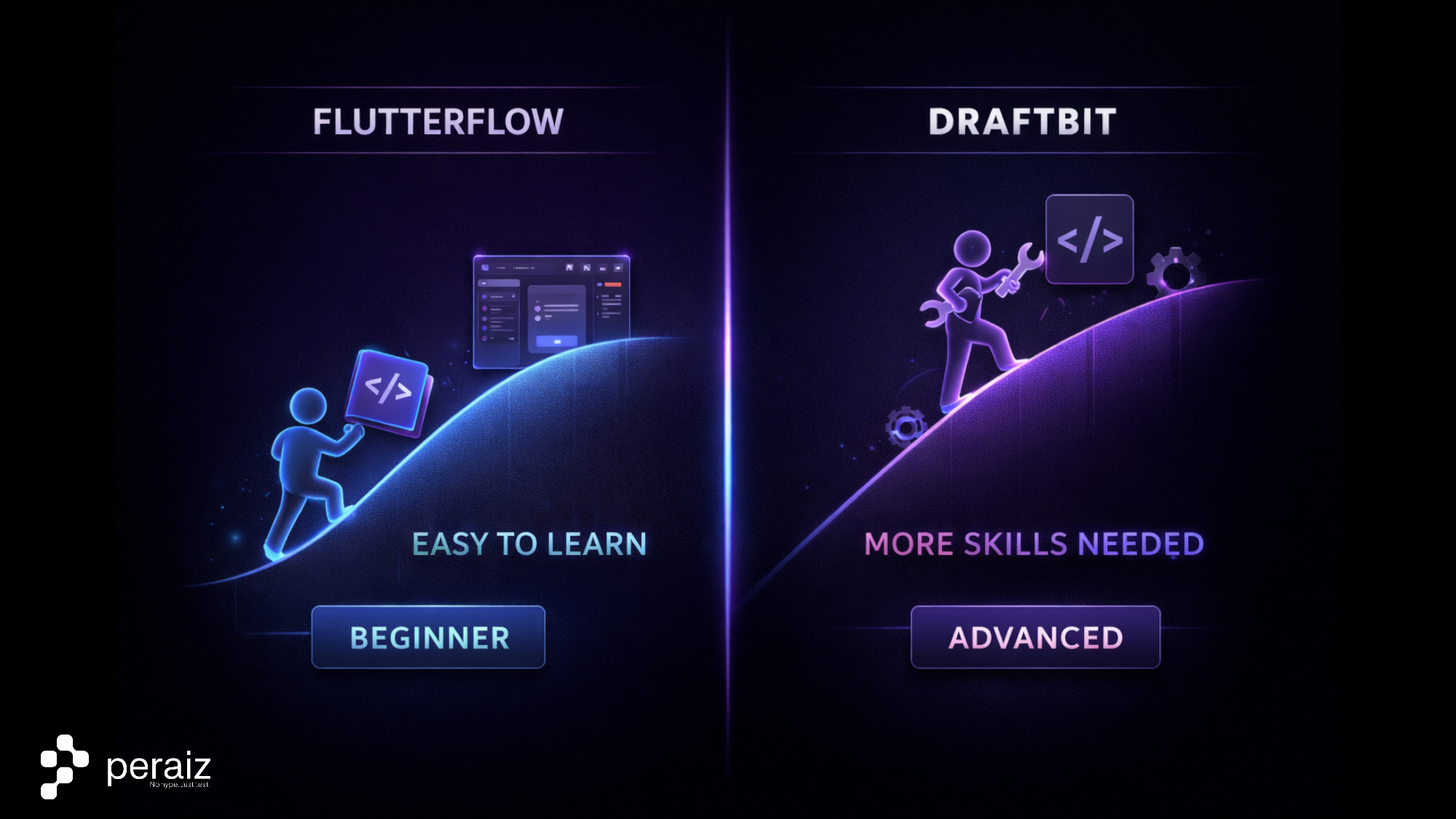
FlutterFlow is generally easier for beginners. Its visual-first approach allows users to build functional apps with minimal technical knowledge.
Draftbit has a steeper learning curve, especially for users unfamiliar with app logic or APIs. However, this upfront investment often pays off in flexibility and maintainability.
8. Draftbit vs FlutterFlow – Summary Table
| Criteria | Draftbit | FlutterFlow |
| Core approach | Low-code | Visual no-code |
| Tech stack | React Native | Flutter |
| Code export | Full source code | Partial, structured |
| Automation flexibility | High | Medium |
| Landing flow control | Logic-driven | Design-driven |
| Ecommerce integrations | Strong | Moderate |
| Best for | Scalable MVPs, SaaS | Quick prototypes |
9. Final Verdict
Choose Draftbit if your project requires:
-
Long-term scalability
-
Full code ownership
-
API-driven logic and AI Automations
-
Integration with an AI Chatbot Platform for Ecommerce
Choose FlutterFlow if your priority is:
-
Fast visual development
-
Minimal technical involvement
-
Simple apps or early-stage prototypes
In the context of Draftbit vs FlutterFlow, neither platform is universally better. The right choice depends on whether you value speed and simplicity or control and scalability.
For more in-depth reviews, tool comparisons, and expert guides on scaling your tech stack without writing complex code, be sure to bookmark and explore the Peraiz Blog.