Dec 10, 2025|Jully
How to Use Systeme.io: A Step-by-Step Guide to Build Landing Pages and AI Automations

If you’re searching for a practical, beginner-friendly way to create landing pages and automate lead follow-ups, Systeme.io offers one of the most streamlined workflows available today.
This how-to guide follows the exact, updated Systeme.io process (2025 version) for building a landing page and connecting it to an automated email sequence. The tutorial is based on the current Systeme.io interface and reflects how the platform actually works—not theoretical marketing steps.
By the end of this guide, you’ll understand how to use Systeme.io step by step, and how it fits into modern automation concepts such as What Is AI Automations and workflows commonly used alongside an AI chatbot platform.
Introduction to Systeme.io
Systeme.io is an all-in-one marketing automation tool designed to help users build funnels, collect leads, and send automated emails without coding or external integrations.
Unlike older funnel builders, Systeme.io now uses a simplified funnel creation flow, where landing pages, thank-you pages, and automation rules are managed inside a single funnel structure.
This makes Systeme.io especially suitable for beginners looking for:
-
A simple Systeme io funnel builder
-
A clear Systeme io tutorial
-
A fast way to launch Systeme io lead generation systems
Step 1: Creating Your Free Systeme.io Account
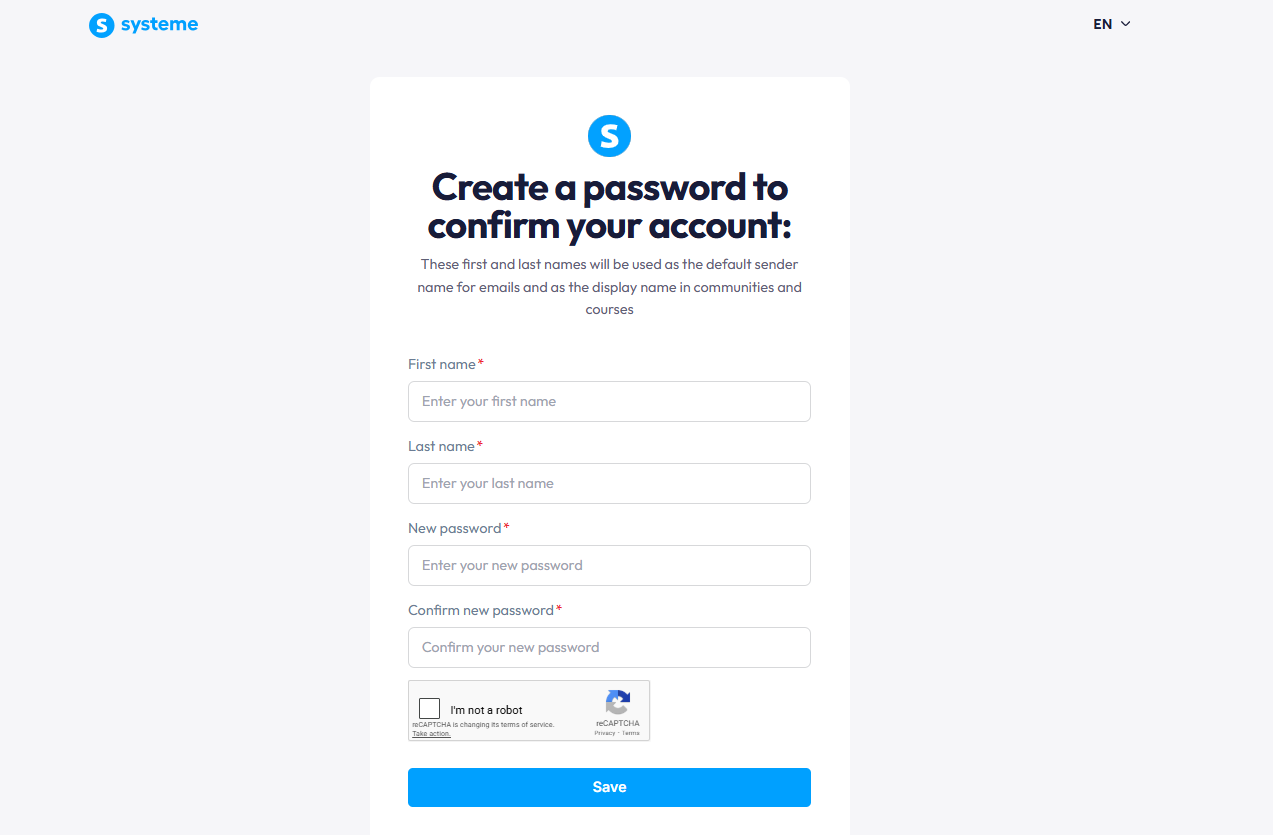
To begin, create a Systeme.io free account. The free plan already includes everything needed to build a working landing page and email automation.
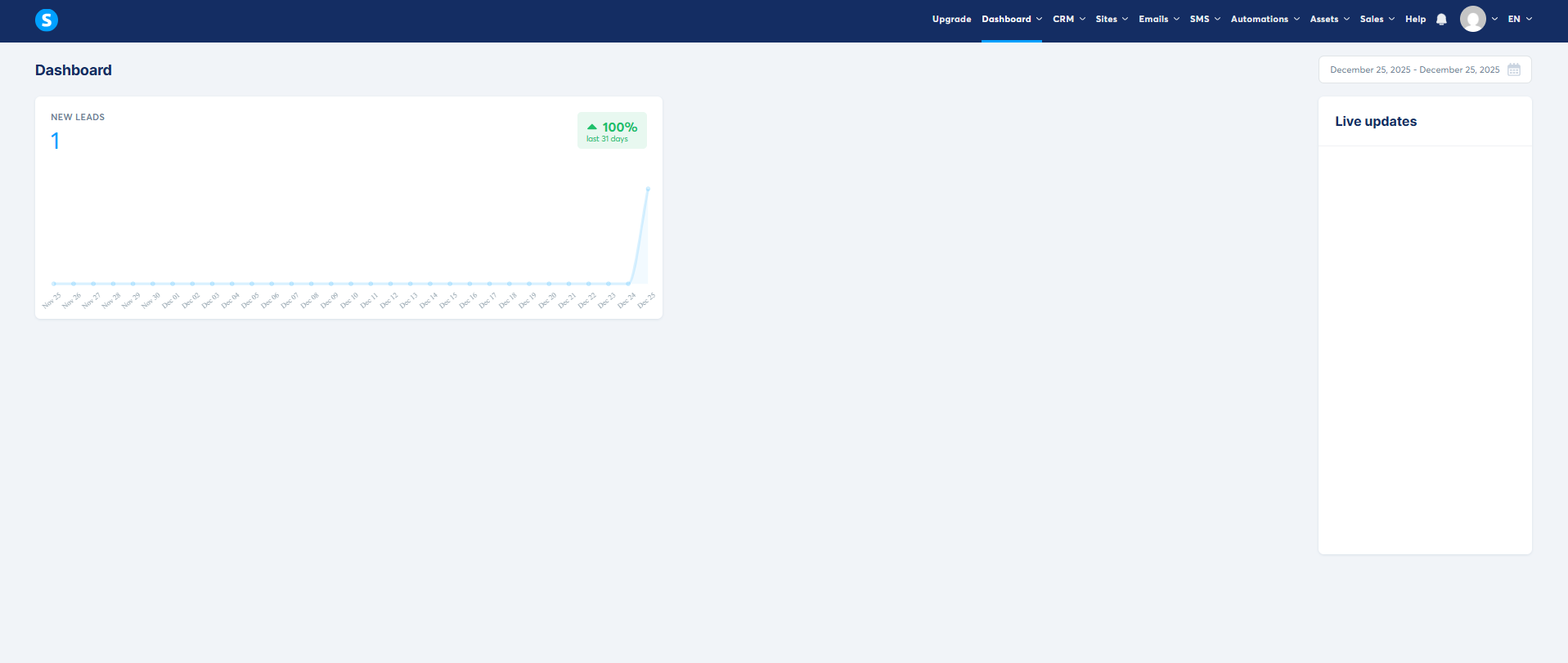
After logging in, you’ll see the main dashboard with access to:
-
Funnels
-
Emails
-
Contacts
-
Automation rules
No payment setup is required at this stage, which allows you to follow the entire tutorial without restrictions.

Step 2: Setting Up Your First Landing Page
Go to the Funnels section and click Create.
At this stage, Systeme.io asks you to choose a funnel goal. Depending on your objective, you can select options such as:
-
Building an audience
-
Selling a product
-
Custom funnel
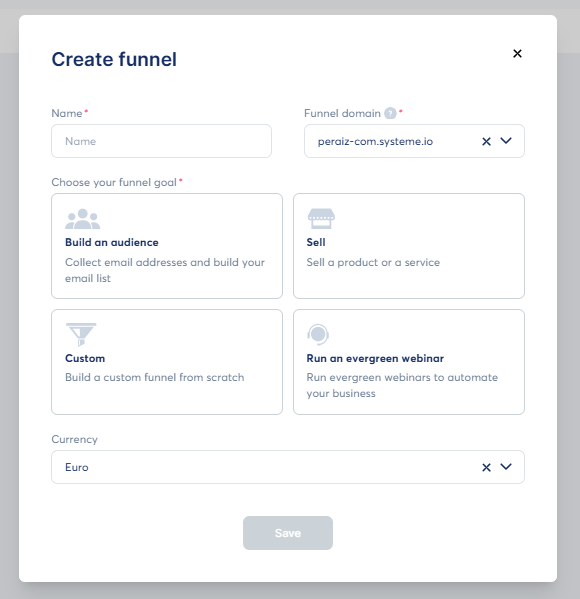
Each option creates a slightly different default structure, but all of them allow you to add and edit landing pages. This is why the process shown in tutorials is a reference flow, not a restriction.
After naming your funnel and selecting a language, Systeme.io generates at least one page step that you can customize.


Step 3: Choosing a Template for Your Landing Page
Click into the page step inside your funnel and select Choose a template.
Systeme.io provides a range of templates optimized for:
-
Email opt-ins
-
Simple offers
-
Registrations
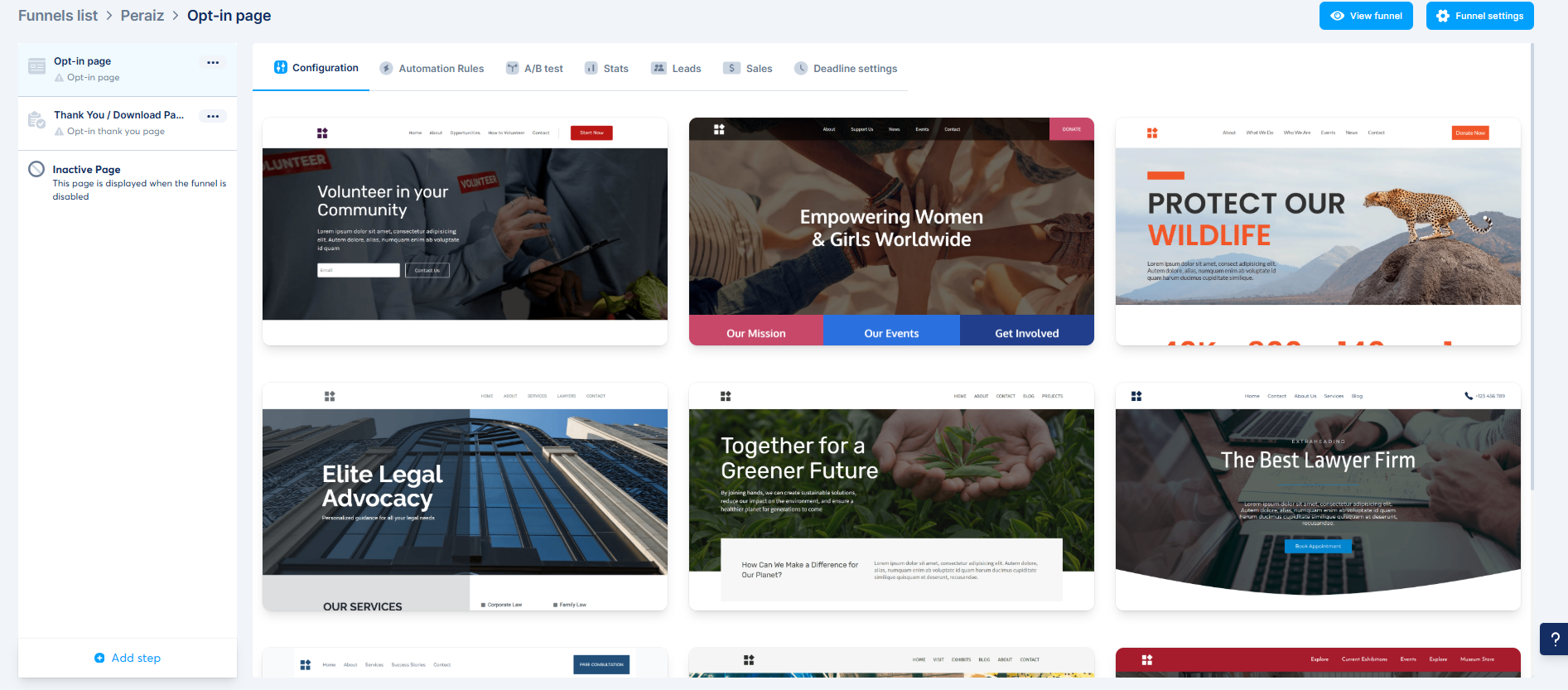
These templates already include form elements and call-to-action buttons, making them suitable for Systeme io lead generation regardless of the funnel type you selected.
Choose a layout that matches your traffic source and goal, then proceed to edit it.

Step 4: Editing the Landing Page Content
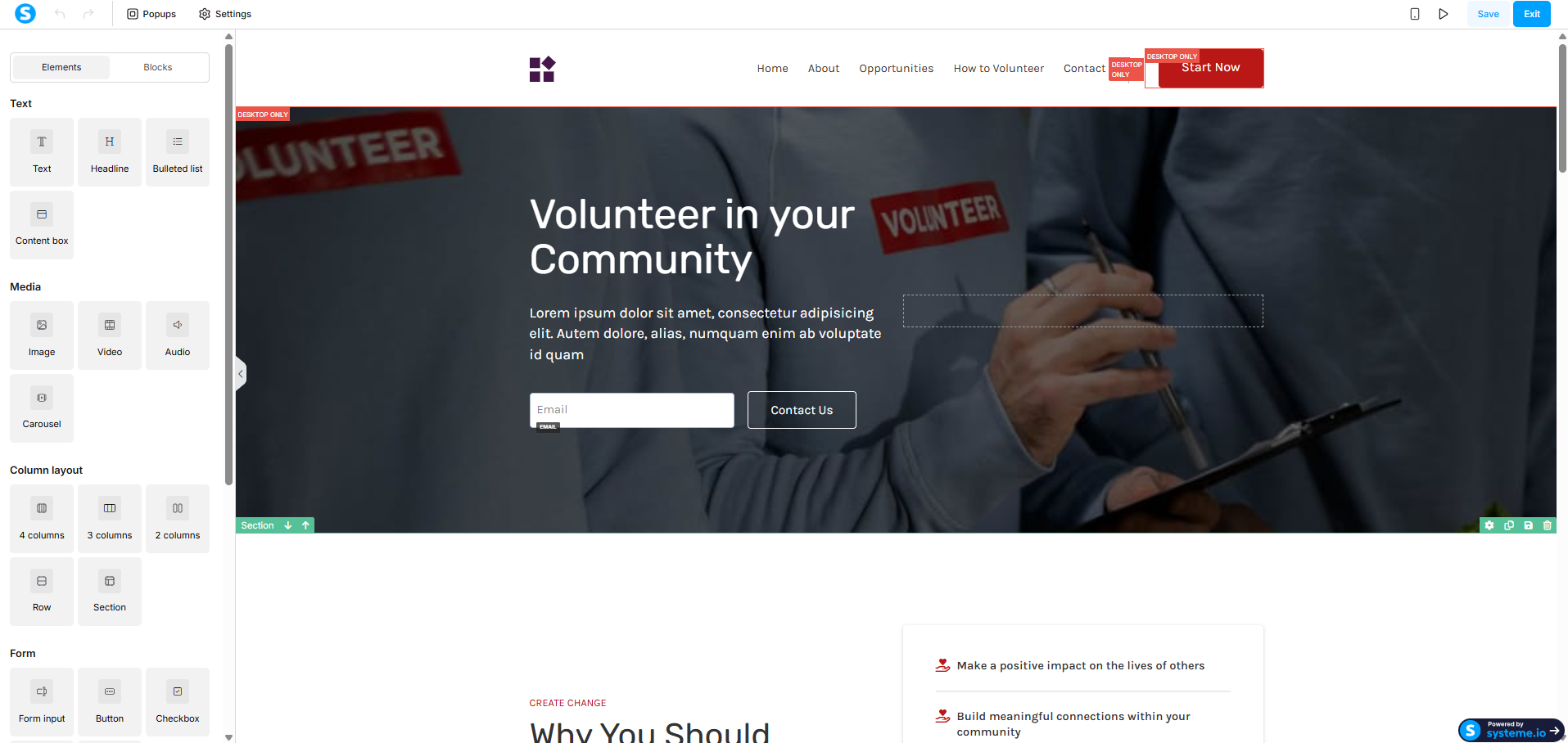
Open the page editor by clicking Edit page.
The visual editor lets you modify text, buttons, images, and layout blocks directly on the page. The opt-in form is already connected to Systeme.io’s contact system by default, so no extra integration is required.
This is where automation begins in practice. When a visitor submits the form, Systeme.io records the action and makes it available for automation rules. This behavior-driven workflow reflects the core idea behind What Is AI Automations – systems responding automatically to user actions.

Step 5: Setting Up the Post-Submission “Thank You” Page
Depending on the funnel type you selected, Systeme.io may already include a thank-you page or allow you to add one manually.
This page appears immediately after form submission and can be edited just like the landing page. It is commonly used to:
-
Confirm successful registration
-
Explain what happens next
-
Prepare users for email follow-ups
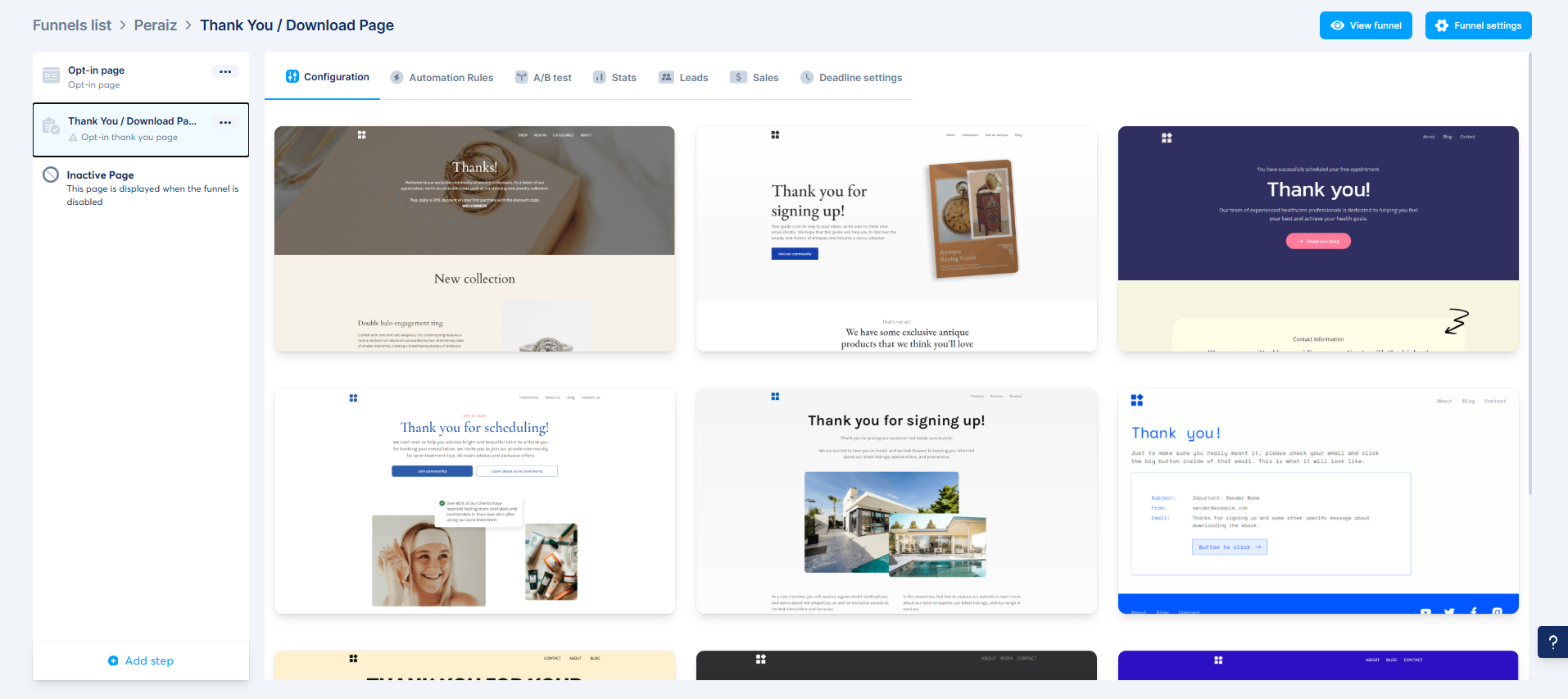
The redirection between the landing page and the thank-you page is handled automatically by the funnel logic.

Step 6: Creating Automated Emails for Lead Nurturing
Email automation is one of the most valuable features of Systeme.io.
In the Emails section, you can create an automated campaign that sends messages based on time delays and triggers. This aligns directly with keywords such as systeme io email automation and systeme io email sequence.
A strong lead nurturing sequence typically:
-
Welcomes the subscriber
-
Provides educational value
-
Gradually introduces recommendations or offers
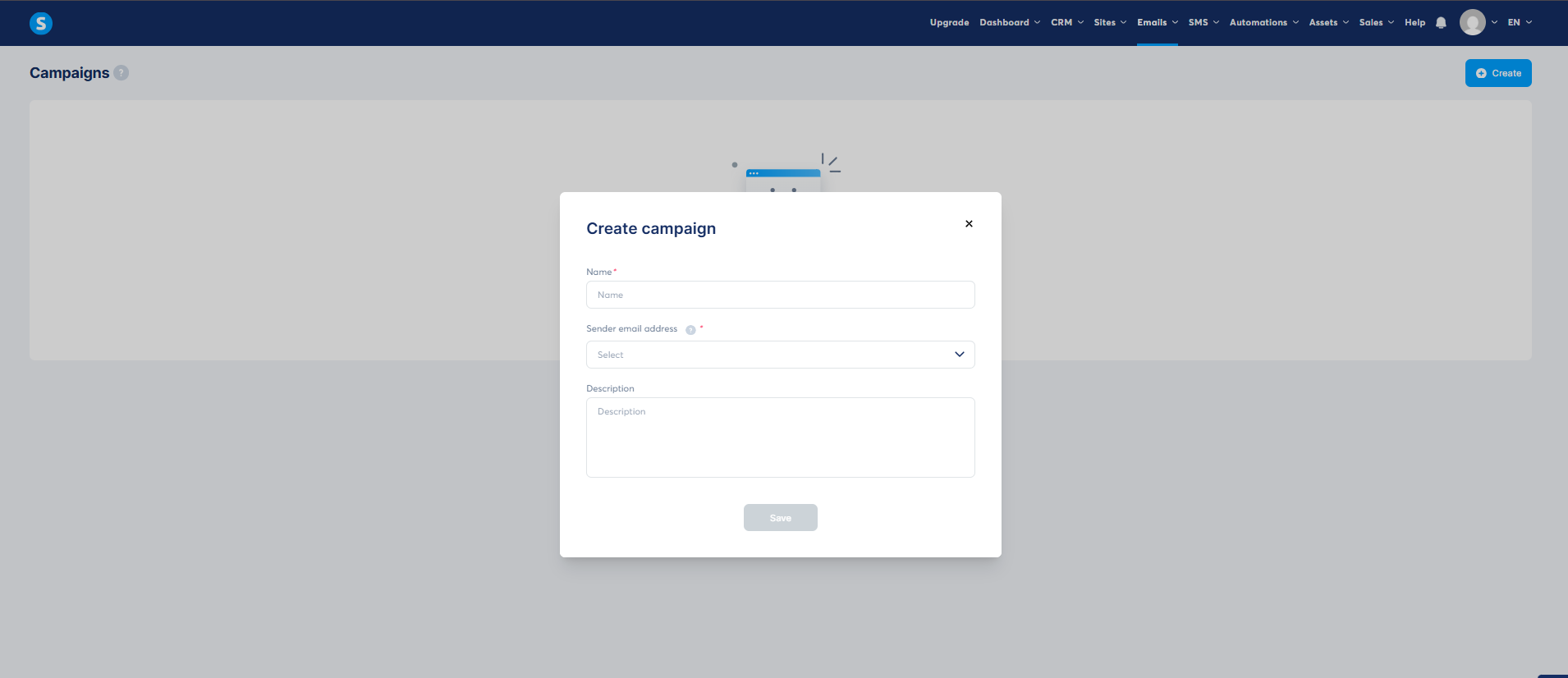
Once activated, this system runs continuously, turning a single landing page into a long-term asset.

Step 7: Connecting the Landing Page to the Email Sequence
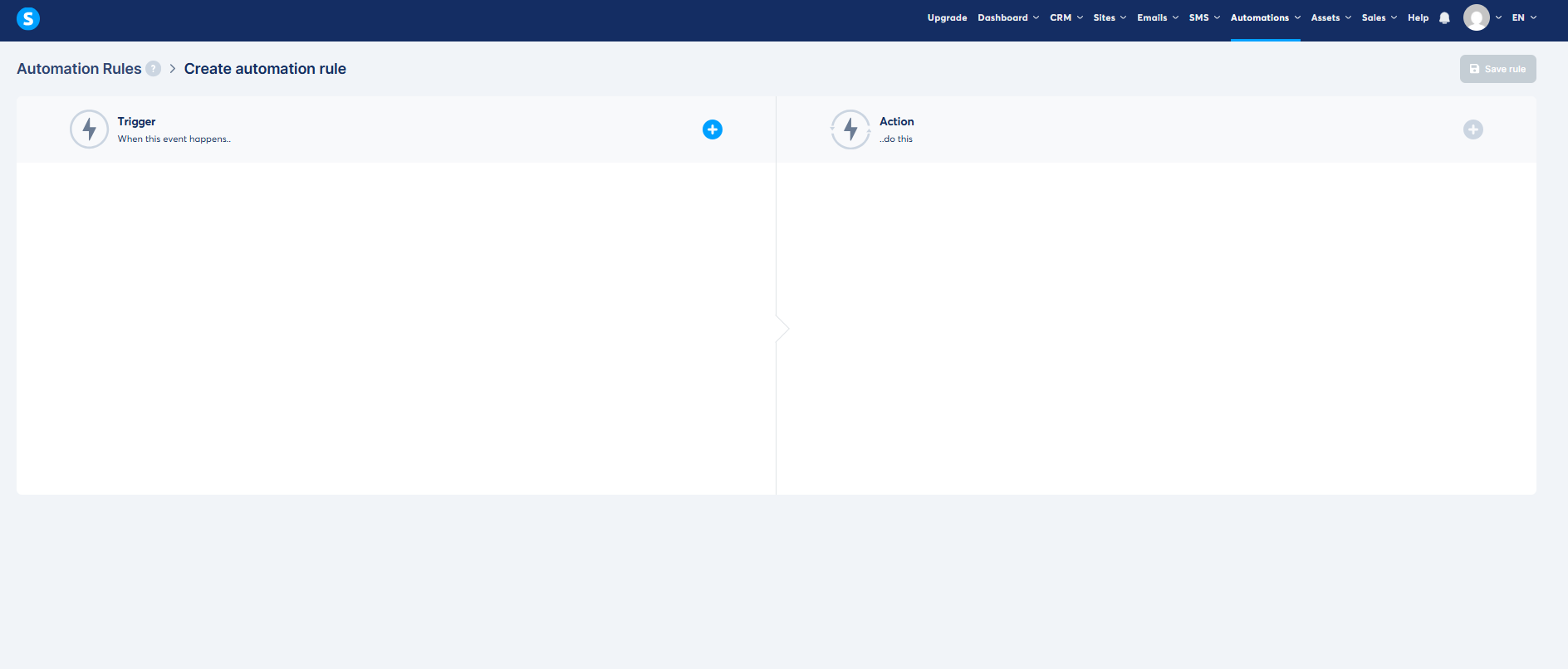
Return to your funnel and open automation rules.
Create a new rule where:
-
The trigger is the form submission on your landing page
-
The action is subscribing the contact to your email campaign
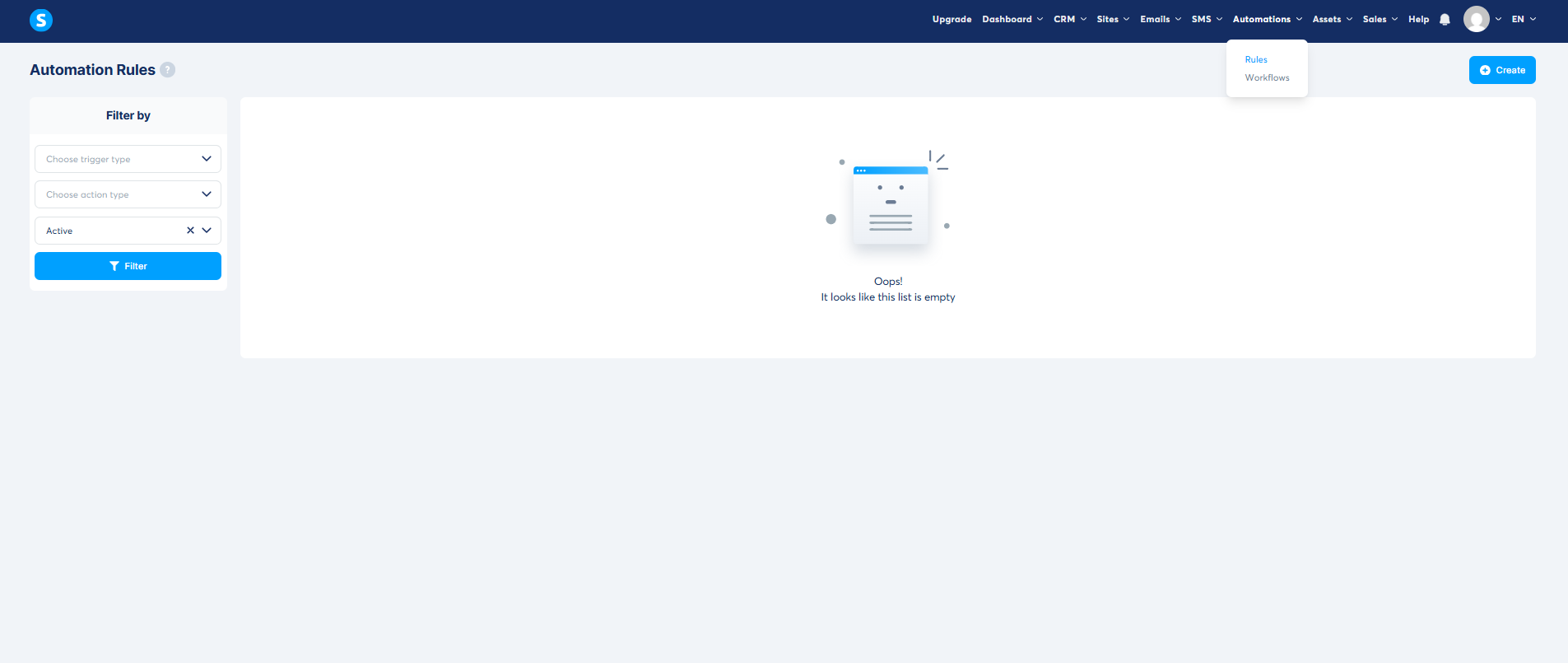
Once this rule is active, every new visitor who submits the form is automatically added to the email sequence. This completes the automation loop and turns your funnel into a fully functional Systeme io sales funnel.
In many setups, Systeme.io works alongside an AI chatbot platform, where chatbots handle conversations and direct users to landing pages, while Systeme.io manages lead storage and automated follow-ups.


Final Thoughts
Systeme.io’s funnel system is designed to be flexible rather than rigid. The platform allows different funnel goals while keeping the core workflow—landing pages, forms, and automation rules—consistent.
If you’re learning how to use Systeme.io, this guide reflects the actual, updated process and shows how landing pages and email automation work together within the platform, without relying on a single funnel type.