Dec 05, 2025|Jully
What Is AI Automations? A Practical n8n AI Workflow Automation Review (2025)
1. Introduction about n8n AI
AI automations refer to systems that combine workflow automation with artificial intelligence to reduce manual work, orchestrate processes, and enable data-driven decisions across applications. While directories like Peraiz are fantastic for discovering and comparing various software platforms, understanding how these tools function under the hood is crucial for technical teams. If you are evaluating platforms that go beyond basic trigger-action systems, this what is ai automations? a practical n8n ai workflow automation review provides a clear look at one of the most flexible options available. Unlike traditional automation, AI automations can interpret unstructured data, apply reasoning, and adapt actions based on context. Within this category, n8n is often mentioned as one of the premier open-source AI automation tools, especially for developers and operational teams that require deeper control over their data, infrastructure, and multi-step logic.
2. Key Features of n8n AI
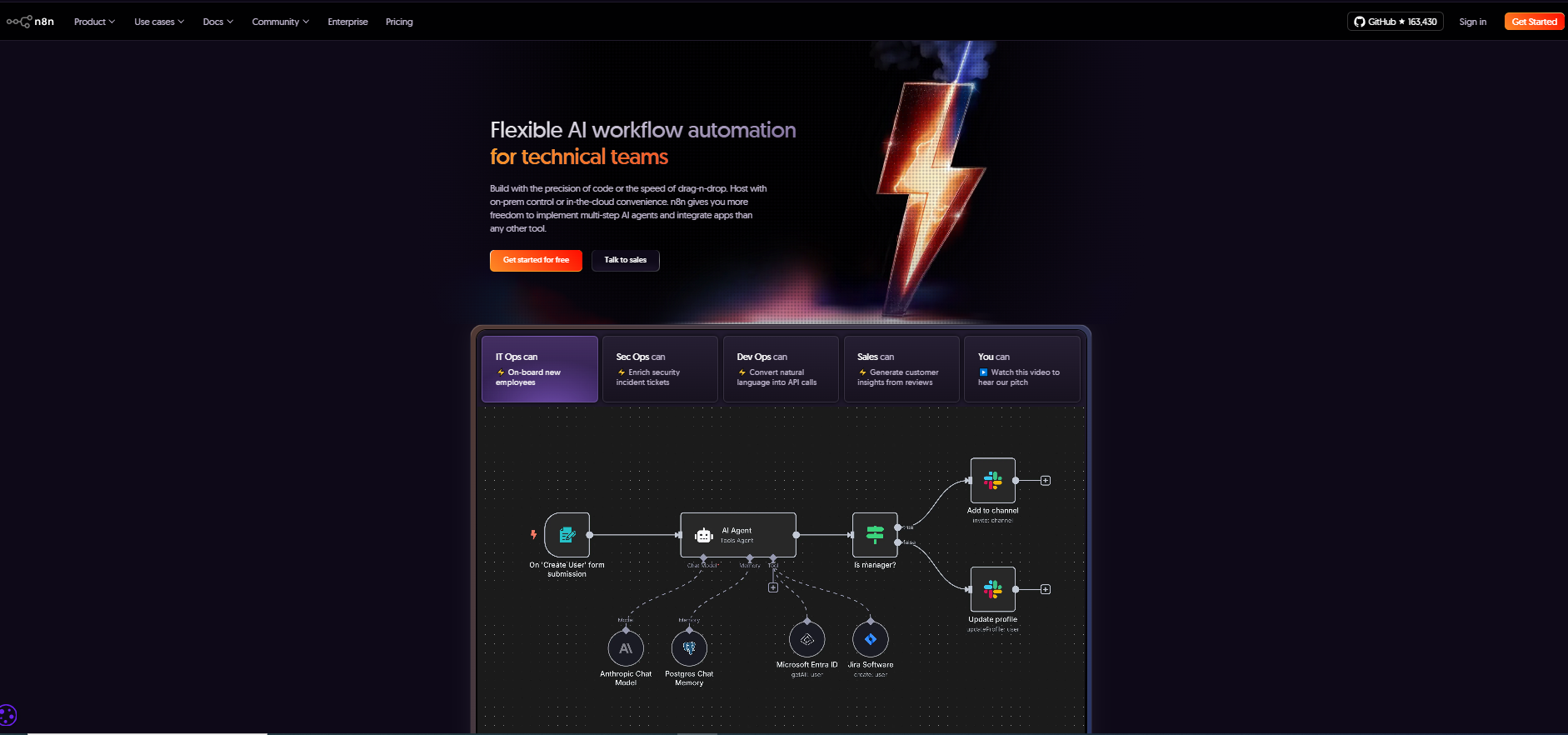
Visual Workflow Builder with Code Support
AI and LLM Integrations
Agentic Automation Capabilities
Self-Hosting and Deployment Control
Broad Integration Ecosystem
3. n8n vs Direct Competitors
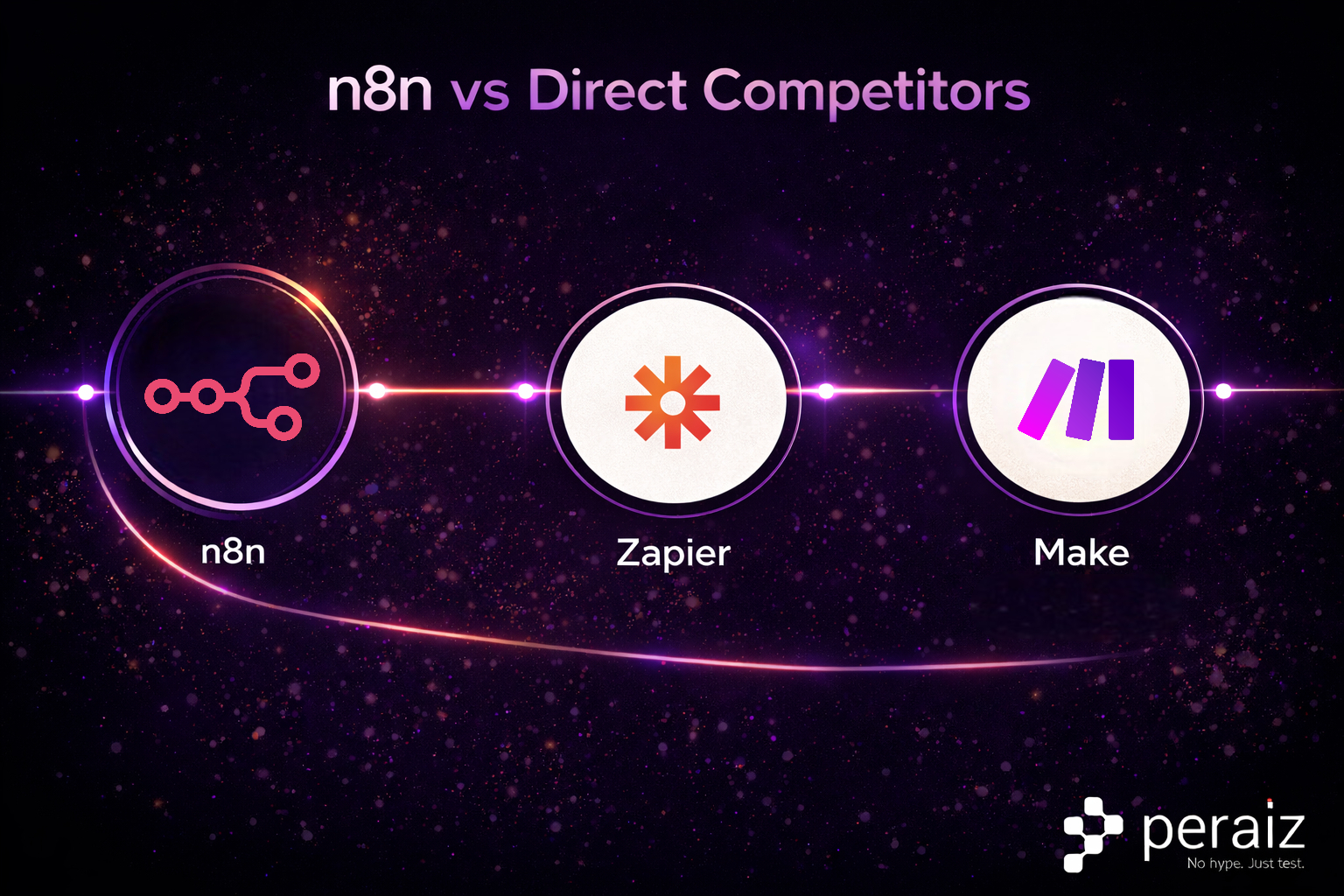
| Feature | n8n | Zapier | Make |
| Primary audience | Technical teams | Non-technical users | Mixed |
| Deployment | Self-host + cloud | Cloud only | Cloud only |
| AI integration | External LLMs, agentic flows | Limited AI features | Moderate AI features |
| Custom logic | High (code supported) | Low | Medium |
| Automation complexity | High | Low–Medium | Medium–High |
| Open source | Yes | No | No |
4. How to Make AI Automations with n8n
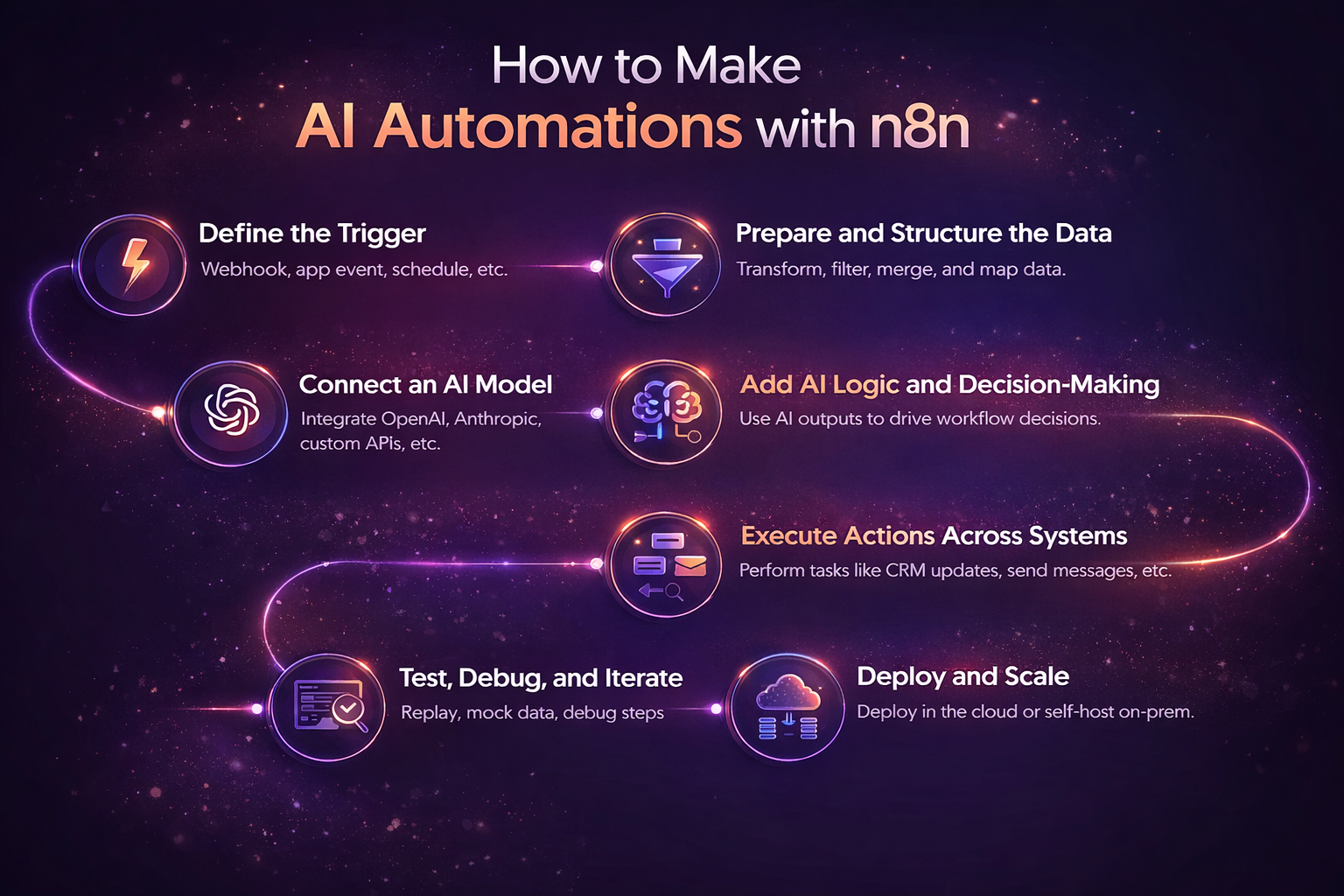
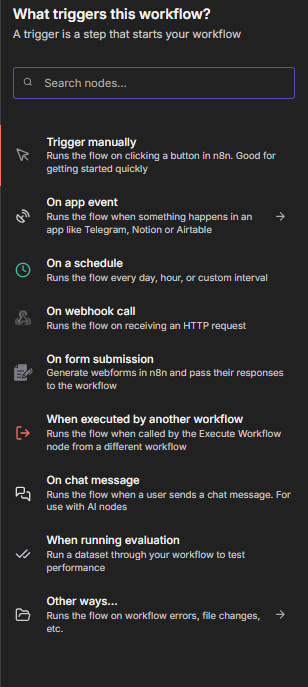
Step 1: Define the Trigger
-
Webhooks (incoming API requests)
-
App-based triggers (Slack, GitHub, Airtable, Google Sheets)
-
Scheduled triggers (cron jobs)
-
Database or queue-based events
Step 2: Prepare and Structure the Data
-
Merge or split datasets
-
Apply conditional logic
-
Map fields dynamically
-
Use JavaScript or Python code steps when needed
Step 3: Connect to an AI Model
-
Native integrations with popular LLM providers
-
HTTP/API calls to custom or self-hosted models
-
AI Agent nodes for multi-step reasoning and tool calling
Step 4: Add AI Logic and Decision-Making
-
Using AI responses to classify or route data
-
Generating summaries, tags, or structured outputs
-
Triggering follow-up actions based on AI confidence or intent
-
Orchestrating multi-step agentic AI automation tools
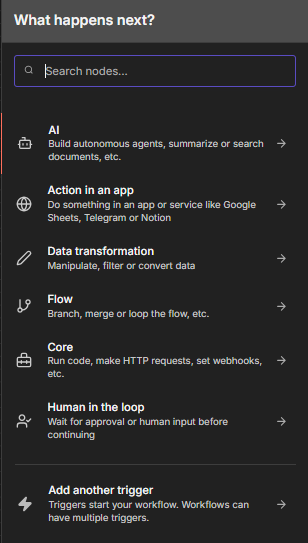
Step 5: Execute Actions Across Systems
-
Create or update records in CRMs and databases
-
Send messages via Slack, email, or messaging platforms
-
Trigger DevOps or IT operations
-
Write results back to internal systems
Step 6: Test, Debug, and Iterate
-
Step-by-step execution replay
-
Inline logs and error handling
-
Execution history and search
-
Mock data and partial re-runs
Step 7: Deploy and Scale
-
Deployed in the cloud
-
Self-hosted on private infrastructure
-
Scaled using queue-based execution
5. Pricing – How Much Does n8n Cost?
All plans include unlimited users, unlimited workflows, and access to every integration.
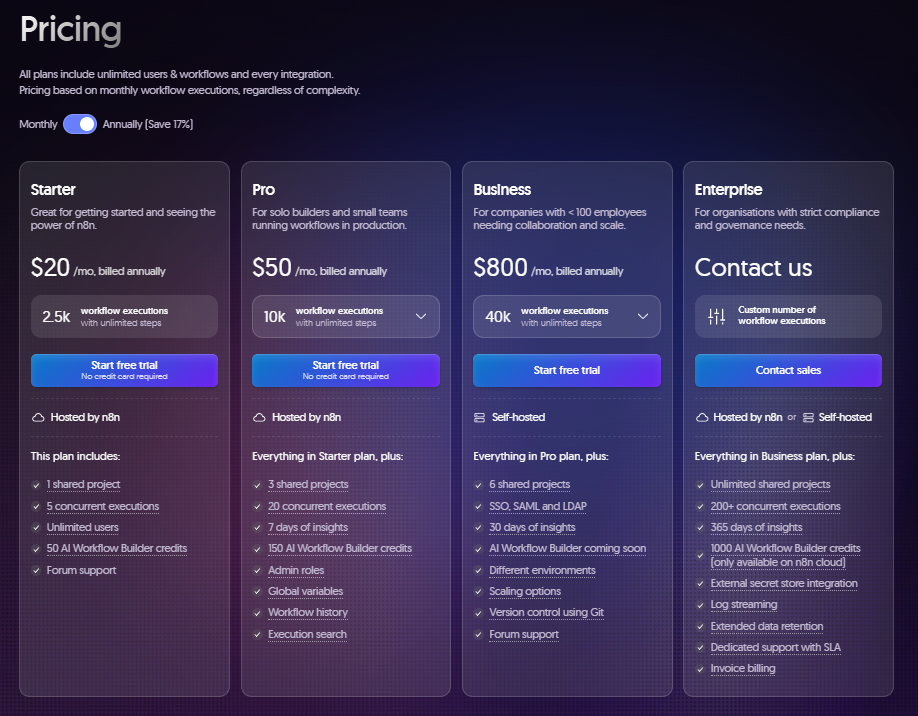
Important Pricing Notes
-
n8n Cloud is not permanently free — only a 14-day trial
-
Pricing is based on workflow executions, not users
-
AI model usage (OpenAI, Anthropic, etc.) is not included
-
Annual billing provides cost savings compared to monthly plans
6. Pros and Cons
Advantages
-
Strong flexibility compared to other AI automation workflow tools
-
Self-hosted option uncommon among open source AI automation tools
-
Supports advanced, multi-step AI-driven workflows
-
Suitable for long-term, maintainable automation systems
Limitations
- Steeper learning curve for non-technical users
- Requires more configuration than no-code competitors
- Smaller template library compared to SaaS-focused tools
7. User Feedback and Adoption
-
GitHub: Over 160,000 stars, placing n8n among the most active open-source automation projects
-
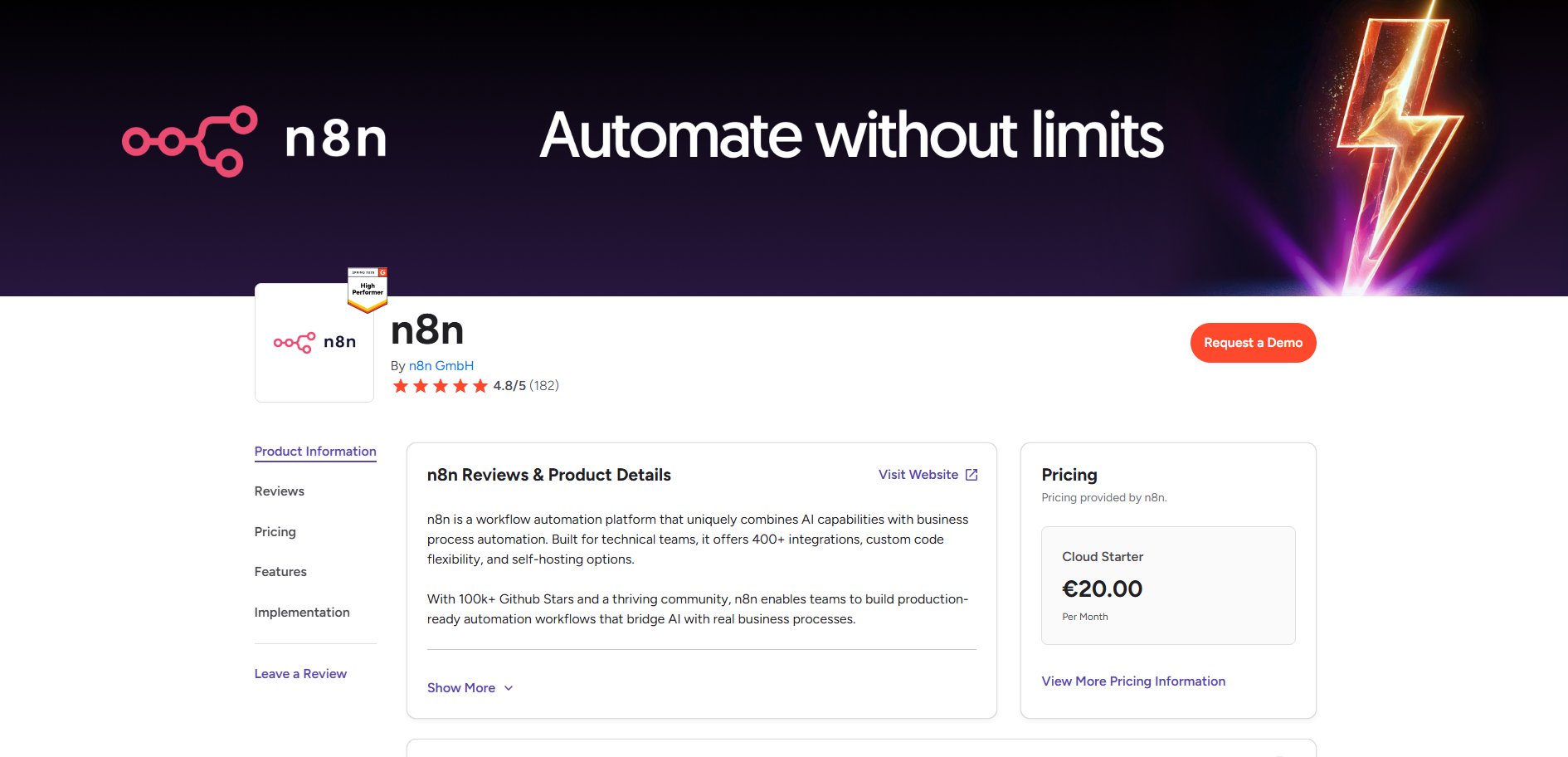
G2 Rating: 4.8/5 average user rating
-
Community Size: Reported 200,000+ community members across forums and channels
8. When You Should and Should Not Use n8n AI
You should use n8n if:
-
You need more than basic automation
-
Your workflows require AI-driven decision logic
-
You value data ownership and self-hosting
-
You are building internal tools or complex systems
n8n may not be ideal if:
-
You want a purely no-code experience
-
Your automations are simple and short-lived
-
You lack technical resources for setup and maintenance
For more expert breakdowns, in-depth tool comparisons, and actionable guides on building scalable AI workflows, be sure to bookmark and explore the Peraiz Blog.